
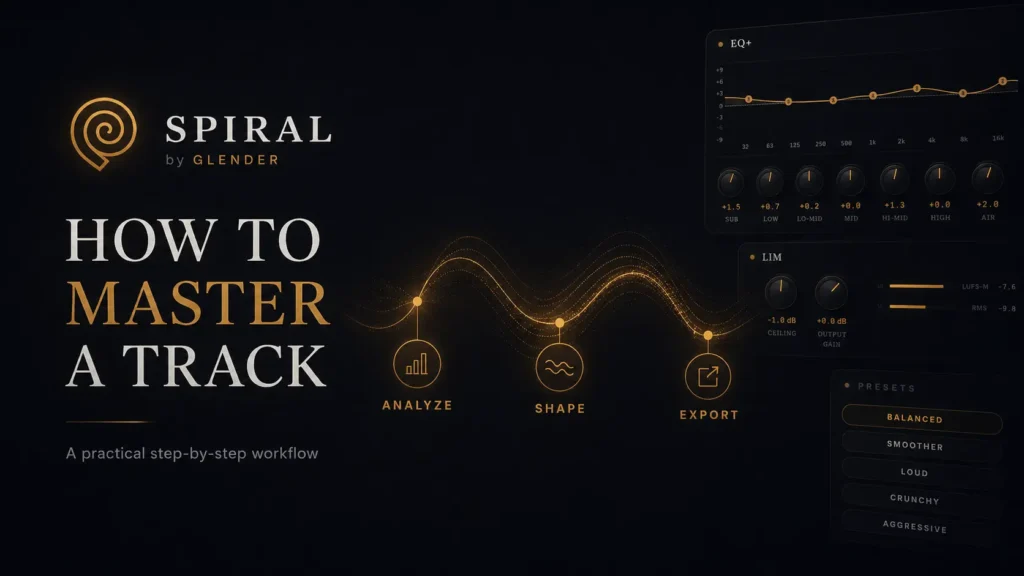
How to Master a Track in SPIRAL: Step-by-Step Guide
A practical step-by-step workflow for mastering in SPIRAL, from initial analysis and corrective EQ to final limiting and export translation.
How to Master a Track in SPIRAL: A Practical Step-by-Step Workflow
1. Preparation & Mindset Mastering becomes easier when every decision has a purpose. The goal is not to use every processor or hit a specific meter, but to refine the mix through controlled adjustments and honest comparison.
Always start with the best mix possible. Mastering can fix tonal balance and translation, but it cannot repair a broken production. Ensure your mix isn’t clipping and has enough headroom before loading it into SPIRAL.
2. Initial Analysis Before touching a single knob, listen to the complete track. Identify the emotional character, the strongest sections, and the low-frequency balance. The first listen defines the identity you must protect.
Use SPIRAL’s analysis tools to confirm what you hear. Check frequency distribution and peak info. In Afro House or Organic Afro, heavy low-end is common, but it must be controlled to prevent it from dominating small speakers.
3. The Starting Point Choose a starting direction based on your genre. SPIRAL offers specific starting points like “Organic Afro” or “Afro Tech.” These are not finished masters, but initial paths to be refined based on your material.
Begin with the High-Pass Filter. Clean subsonic energy that consumes headroom without adding music. A correct filter focus makes the low-end feel tighter and more defined even without removing audible bass.
4. Correction vs. Shaping Use corrective EQ for precise, restrained fixes. Address muddy low-mids or harsh frequencies before adding character. Bypassing is your best tool here: ask if the EQ improved the track or just changed it.
After correcting, use EQ+ for broader tonal shaping. Adjust the overall “color” by adding weight or air. In mastering, a one-decibel change is significant. Keep movements small and intentional.
5. Character & Texture Saturation adds harmonics and density, helping elements feel connected. It increases perceived loudness without relying solely on limiting. However, overdoing it will flatten transients and cause fatigue.
The Analog stage introduces subtle console-inspired textures. Match the character to the track’s identity: warmth for organic records, definition for sharp electronic productions. It should feel complete, not “processed.”
6. Dynamic & Spatial Control Mastering compression should create cohesion and strengthen the rhythm. If every kick causes the mix to “sink,” your settings are too aggressive. Compare at equal loudness to ensure you haven’t damaged the dynamics.
Use Mid/Side processing to manage width. Keep the core (kick, bass, vocals) solid in the center while using the sides for atmosphere. Excessive widening weakens the center and ruins mono compatibility.
7. Final Limiting The limiter is your final control. Set the ceiling and increase gain until you hit the required intensity. If the track starts to sound smaller or distortion appears in dense sections, back off.
The best master isn’t the loudest version the system can produce; it’s the loudest version the music can support. Stop when you start losing “impact”—impact comes from contrast, not just raw volume.
8. The Final Verdict Use the “Back to Original” button constantly. A good master must feel more controlled and balanced while staying emotionally connected to the mix. Turning down the master for a fair volume-matched comparison is vital.
Compare your master with a professional reference in the same genre. Does your track feel significantly darker or too compressed? Use the reference as a perspective guide, not a formula to be copied exactly.
9. Export & Translation After a short break, test your master on different systems: monitors, headphones, and phone speakers. You aren’t looking for identical sound, but ensuring the essential relationships translate across all environments.
Export the highest-quality version (24-bit WAV) with clear naming. Listen to the exported file from start to finish. If it communicates clearly without losing the original feeling, you have a finished master.
Enter SPIRAL.