
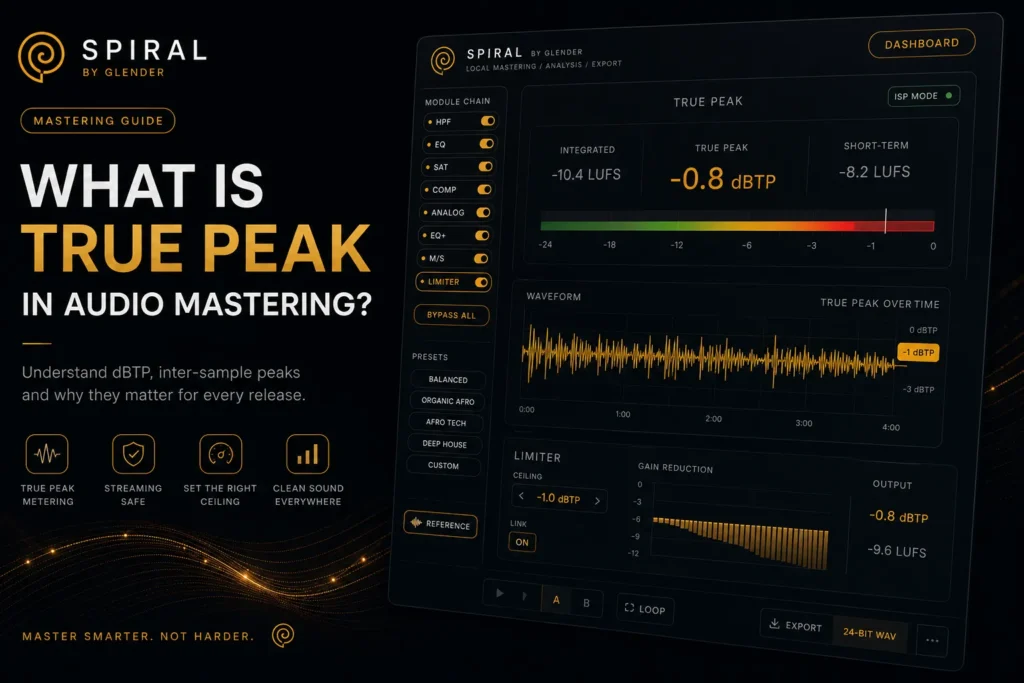
What Is True Peak in Audio Mastering? (And Why It Matters)
True peak vs peak metering explained. Learn why true peak matters for Spotify and Apple Music, how inter-sample peaks work, and how to set your limiter correctly.
What Is True Peak in Audio Mastering? The Complete Guide to dBTP and Inter-Sample Peaks
You are looking at your limiter. The meter reads -0.1 dBFS. No clipping. You export the master, upload to Spotify, and listen on your phone. There it is — a faint crackle on the kick transient. Distortion that was not there in your DAW.
You just met inter-sample peaks — and your standard peak meter missed them completely. This is why true peak metering (dBTP) exists, and why every professional mastering engineer uses it.
What Is True Peak? dBFS vs dBTP Explained
To understand true peak, you first need to understand what a standard peak meter actually measures — and what it misses.
Peak (dBFS — decibels relative to Full Scale) measures the highest individual digital sample value in your audio file. Digital audio is a series of discrete points (samples) — 44,100 per second for CD quality. A peak meter looks at each of these points and reports the highest one. If no sample exceeds 0 dBFS, the meter shows no clipping.
But here is the problem: audio does not play back as discrete points. When your phone, car stereo, or audio interface converts digital audio to analog sound (via a DAC — Digital-to-Analog Converter), it reconstructs a continuous waveform between those sample points. And that reconstructed waveform can — and often does — exceed the level of any individual sample.
These are inter-sample peaks (ISPs). They occur between samples, during the reconstruction process, and they can overshoot by 1 to 4 dB above the highest digital sample. A track that reads -0.1 dBFS on a peak meter may actually hit +2.3 dBTP in the analog domain — causing audible distortion on playback.
True Peak (dBTP — decibels True Peak) solves this by simulating the DAC reconstruction process. A true peak meter oversamples the signal (typically 4x) and calculates the actual analog waveform level between samples.
A Visual Example
Imagine three consecutive samples: 0, +0.8, 0. A peak meter reads the highest sample: +0.8 dBFS. No clipping. But when the DAC reconstructs the waveform, the curve connecting these three points peaks at roughly +1.4 dB — nearly twice as high as any individual sample. That +1.4 dB is an inter-sample peak, and it clips the analog output.
Inter-sample peaks are most common on:
- Sharp transients: Kicks, snares, hi-hats — especially with fast attacks
- Heavily limited material: The harder you push the limiter, the more square the waveform becomes
- High-frequency content: Cymbals, white noise sweeps, saturated synths above 8kHz produce the most severe ISPs
- Lossy encoding: MP3, AAC, and Ogg Vorbis codecs alter the waveform and often create new peaks that were not in the original WAV
Why True Peak Matters for Streaming
Every major streaming platform — Spotify, Apple Music, YouTube, Tidal, Amazon Music — uses lossy audio codecs. Spotify streams Ogg Vorbis at 96-320 kbps. Apple Music uses AAC at 256 kbps.
Lossy encoding changes the waveform. The encoder discards audio data and reconstructs the signal. During this process, new peaks can emerge. A master clean at -0.1 dBFS can clip after encoding. This is why the industry standard for streaming masters is -1 dBTP — the 1 dB of headroom provides a safety margin.
True Peak Targets for Every Platform
| Context | Recommended True Peak | Why |
|---|---|---|
| Spotify, Apple Music, YouTube, Tidal | -1 dBTP | Safety margin for lossy encoding + DAC reconstruction |
| SoundCloud, Bandcamp | -0.5 to -1 dBTP | No mandatory normalization, but lossy encoding still applies |
| Club / DJ Play (WAV) | -0.3 dBTP | Uncompressed playback; less codec risk |
| CD Master | -0.1 to -0.3 dBTP | No lossy encoding, but DAC overshoot possible on consumer players |
How to Set Your Limiter for True Peak
- Enable true peak / ISP limiting in your limiter. Most modern limiters (FabFilter Pro-L2, iZotope Ozone Maximizer, SPIRAL’s limiter) have a “True Peak” or “ISP” mode.
- Set your ceiling to -1 dBTP for streaming. The limiter will ensure no reconstructed peak exceeds this value.
- Check your exported file. Do not trust the real-time meter alone. Export as 24-bit WAV, then re-import and run a true peak analysis on the rendered file.
- Monitor during the loudest section. The final drop or chorus is where ISPs are most likely.
- For club/DJ play: Set ceiling to -0.3 dBTP. The reduced safety margin is acceptable for uncompressed playback.
True Peak in SPIRAL
In SPIRAL by GLENDER, the real-time true peak meter sits alongside integrated LUFS, short-term LUFS, RMS, and stereo correlation — all visible while you master. The limiter supports true peak (ISP) mode with an adjustable ceiling. Set it to -1 dBTP for streaming, push gain until the music tells you to stop, and export knowing your master will translate cleanly across every platform.