
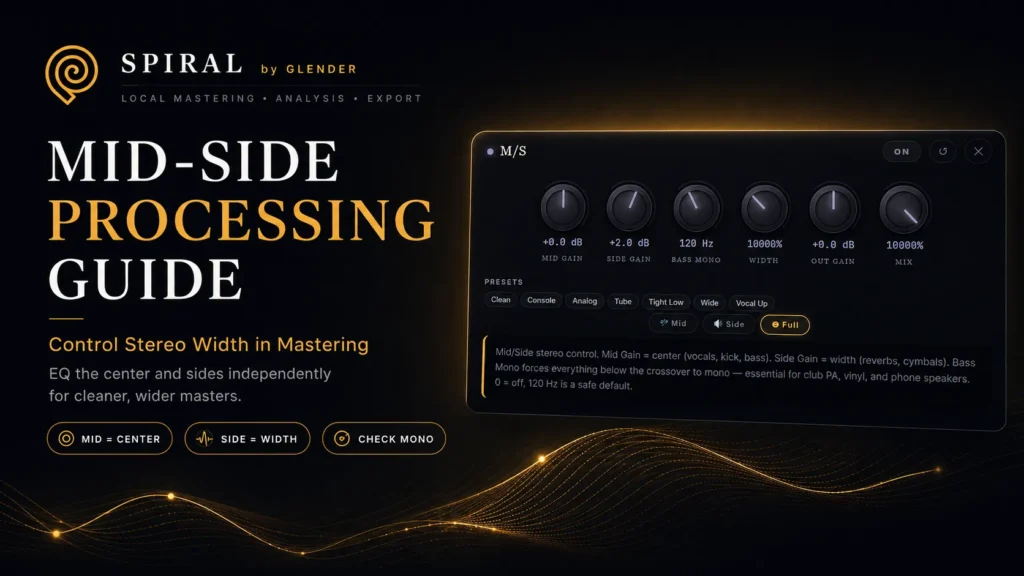
Mid-Side Processing Guide: Control Stereo Width in Mastering
Mid-side processing explained. Learn how to EQ the center and sides independently for wider, cleaner masters.
Mid-Side Processing Guide: Control Stereo Width in Mastering
Mid-side processing is one of the most powerful tools in mastering — and one of the most dangerous when misused. It lets you EQ the center and sides of your stereo field independently, giving you surgical control over width, focus, and mono compatibility. This guide covers everything: what M/S is, when to use it, common settings, and the mistakes that ruin masters.
What Is Mid-Side?
A stereo signal can be mathematically split into two components:
- Mid (M) = L + R: Everything identical in both channels. Kick, bass, lead vocals, snare — the core of your mix lives here.
- Side (S) = L – R: Everything different between channels. Reverb tails, stereo delays, wide synths, atmospheric pads — the space and width live here.
This is not a creative effect — it is a mathematical decomposition. Any stereo signal can be encoded as M/S, processed, and decoded back to L/R without loss — as long as you do not overdo the processing.
Why Use M/S in Mastering?
- Clean up low-end stereo content. Bass frequencies below 150Hz should be mono for tight, focused low end. High-pass filtering the sides at 100–150Hz removes stereo bass that causes phase issues and weakens club/phone playback.
- Add air without harshness. A high-shelf boost at 8–12kHz on the sides adds width and openness without making the center (vocals, snare) piercing.
- Tighten the center. A small cut at 200–400Hz in the mid channel cleans mud from vocals and kick without affecting stereo width.
- Widen without collapsing. Boosting the sides increases perceived width — but overdoing it makes the master collapse in mono. Always check.
Common M/S Settings
| Goal | Mid | Side |
|---|---|---|
| Tighter low end | — | HPF at 100–150Hz |
| Wider, airier sound | — | +1–2dB high shelf at 10kHz |
| Cleaner center | -1–2dB at 250–400Hz | — |
| Focused vocal | +0.5–1dB at 2–4kHz | -0.5–1dB at 2–4kHz |
| Warmer overall | +0.5dB low shelf at 60–80Hz | — |
The Golden Rule: Always Check Mono
After any M/S adjustment, switch to mono. If the track loses energy, punch, or clarity, you have widened too much. A balanced master should translate to mono without significant loss — because club systems, Bluetooth speakers, and phone speakers all sum to mono in various configurations.
In SPIRAL, M/S processing is built into the mastering chain with independent mid and side EQ. Adjust width, check mono, and export with confidence.